IN101 Game – Latest IN101 App, APK Download & Login Guide
Visite : IIJ7.COM

IN101 Game Download Now
| Detail | Information |
|---|---|
| Game Name | IN101 Game |
| Size | 18 – 30 MB |
| Bonus | 500rs |
| Platform | Android / Mobile |
Welcome to the complete guide to IN101 Game, where users can learn about the IN101 platform, its app, APK, download process, login information, and general features. The IN101 Game App is designed to provide users with convenient access to an online gaming and entertainment platform through compatible mobile devices.
If you are searching for IN101, IN101 Game, IN101 APK, IN101 App, IN101 Download, IN101 Login, IN101 Com, IN101 Game App, or IN101 Game Download, this guide provides useful information in one place.
What Is IN101 Game?
IN101 Game is an online gaming platform that can be accessed through compatible devices. Users searching for IN101 generally want information about the application, installation process, account access, and available gaming features.
The platform is presented with a mobile-friendly interface intended to make navigation simple. Depending on the version and availability, users may be able to access different categories and features through the IN101 App.
Before using any online gaming service, users should review the applicable terms, age requirements, regional availability, and responsible-use information.
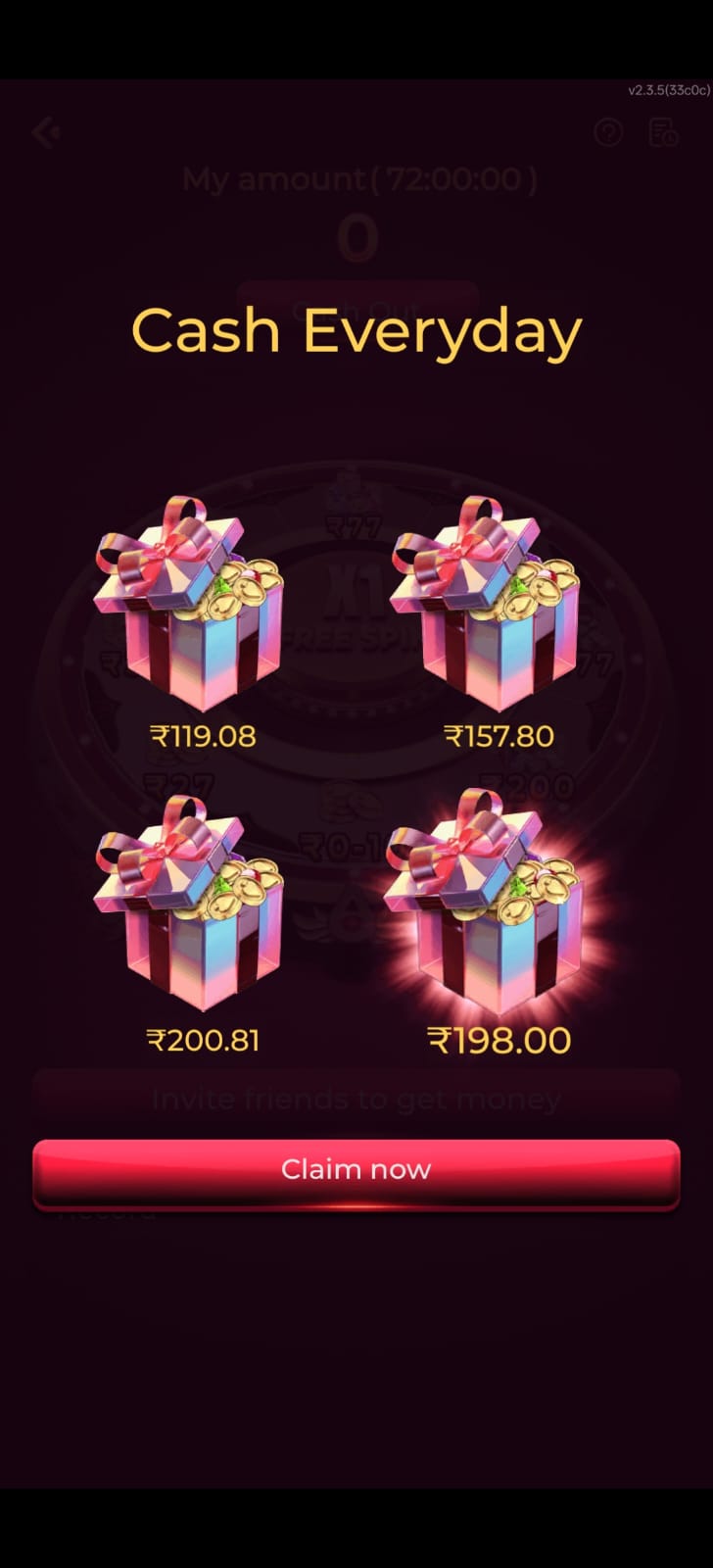
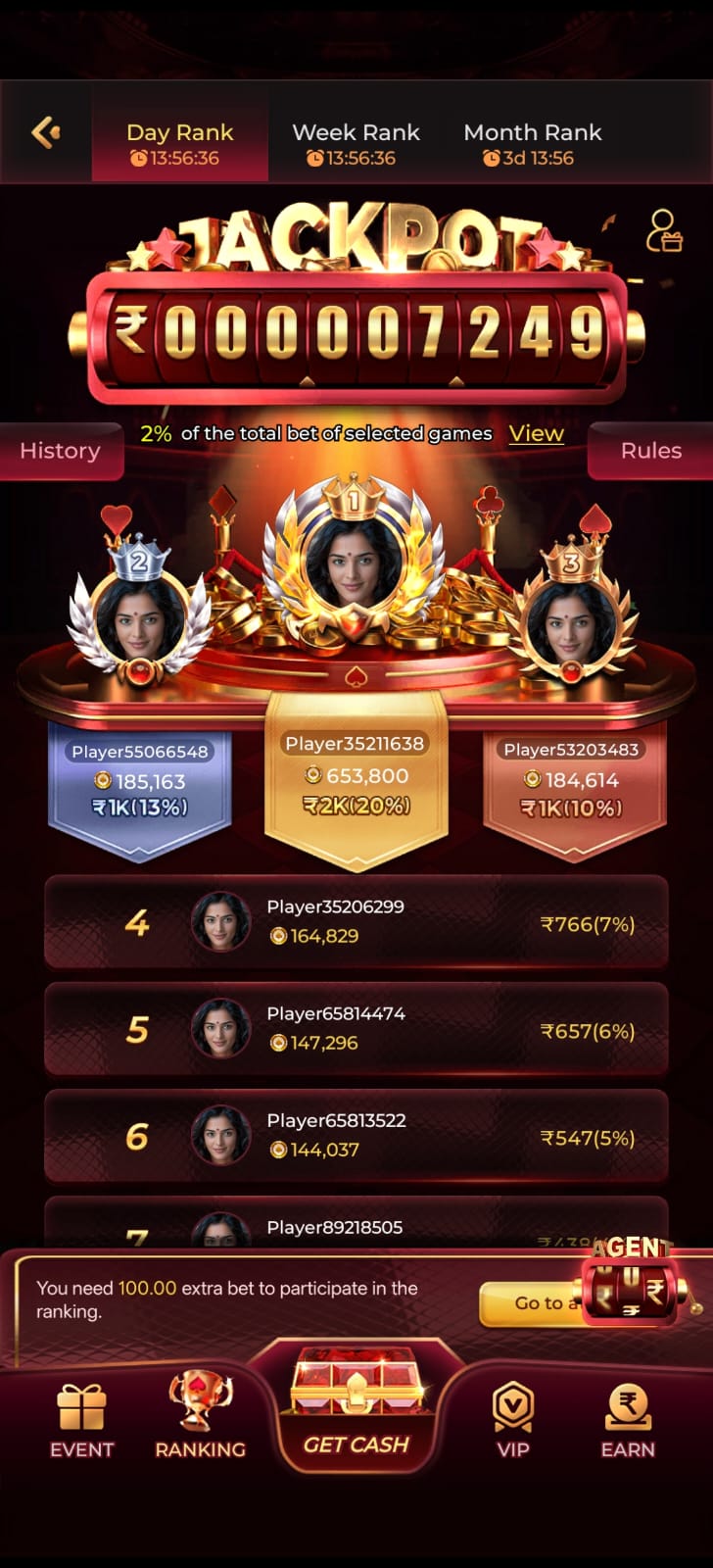
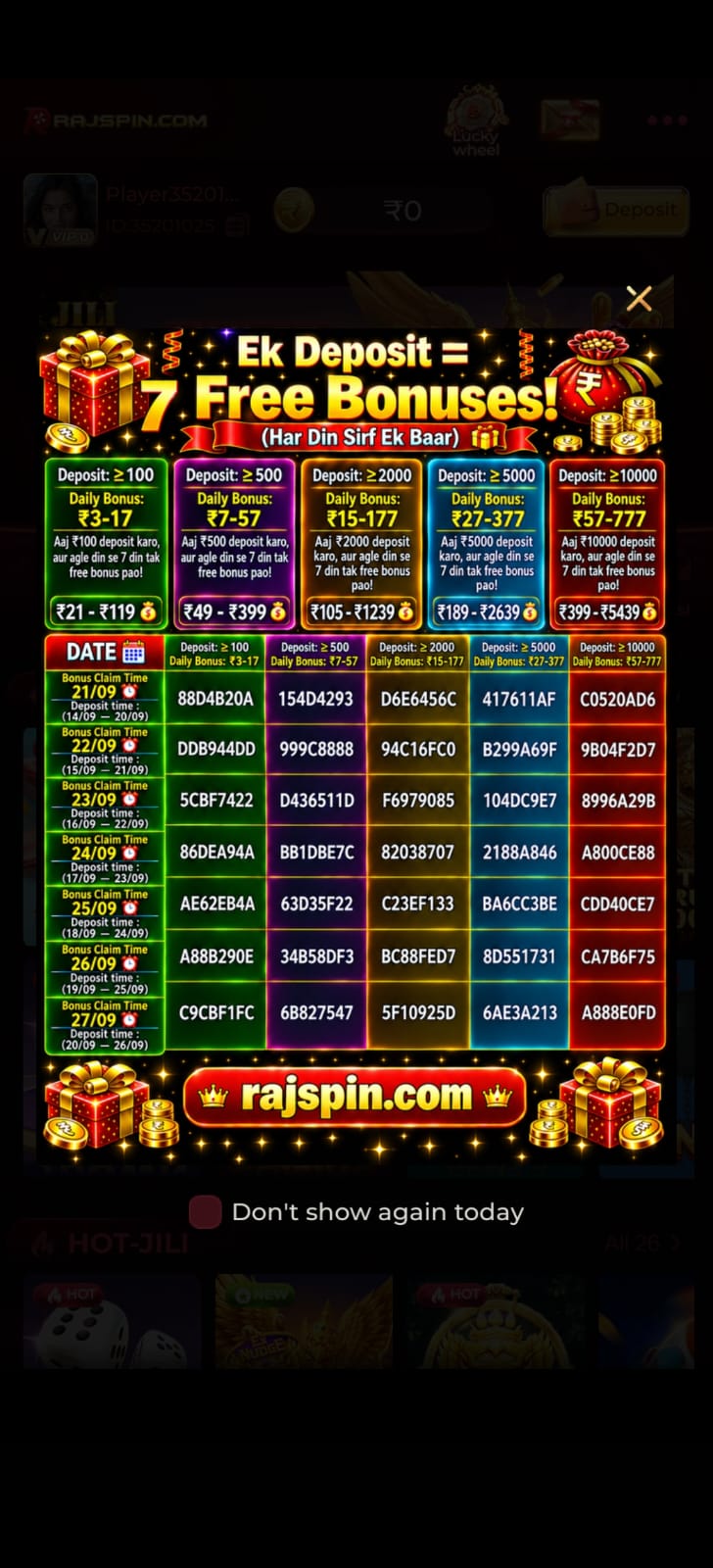
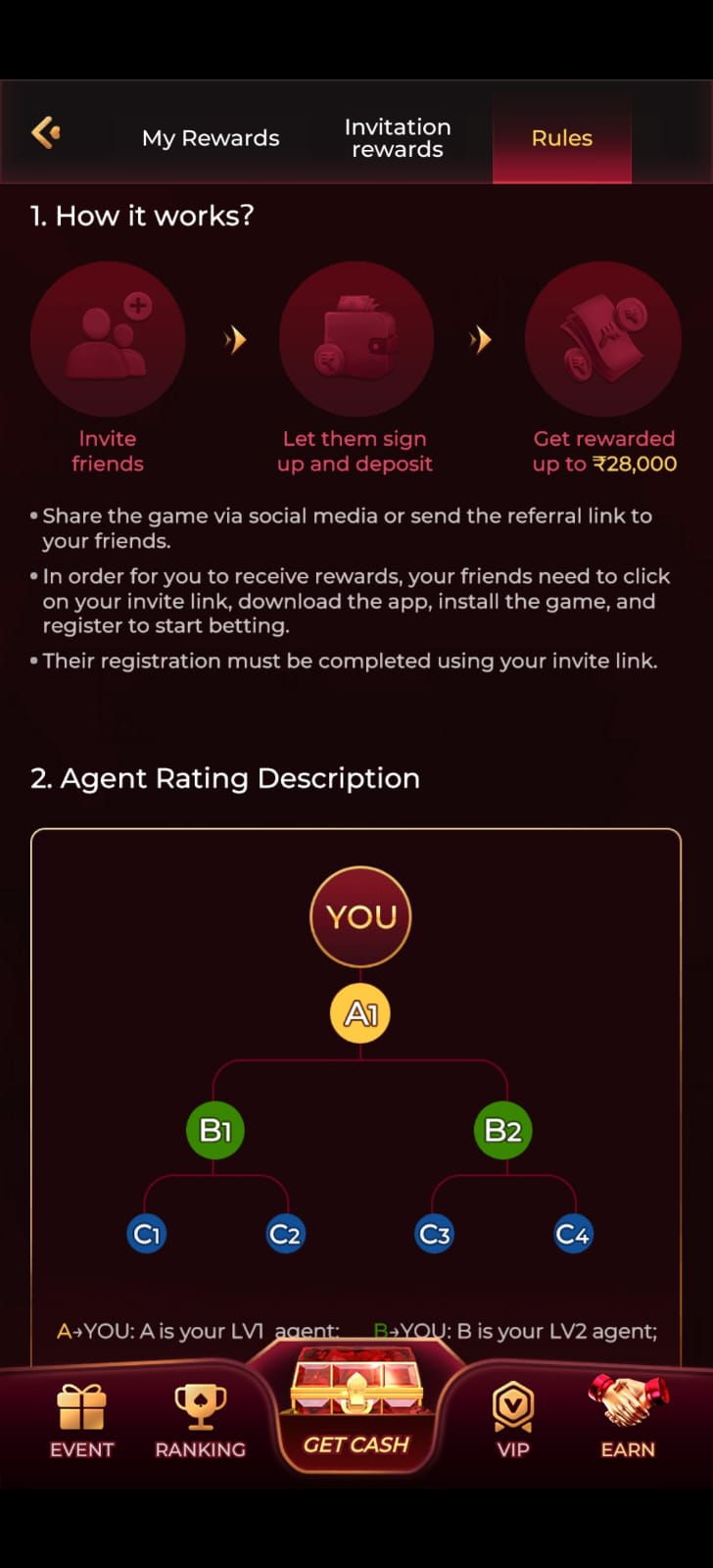
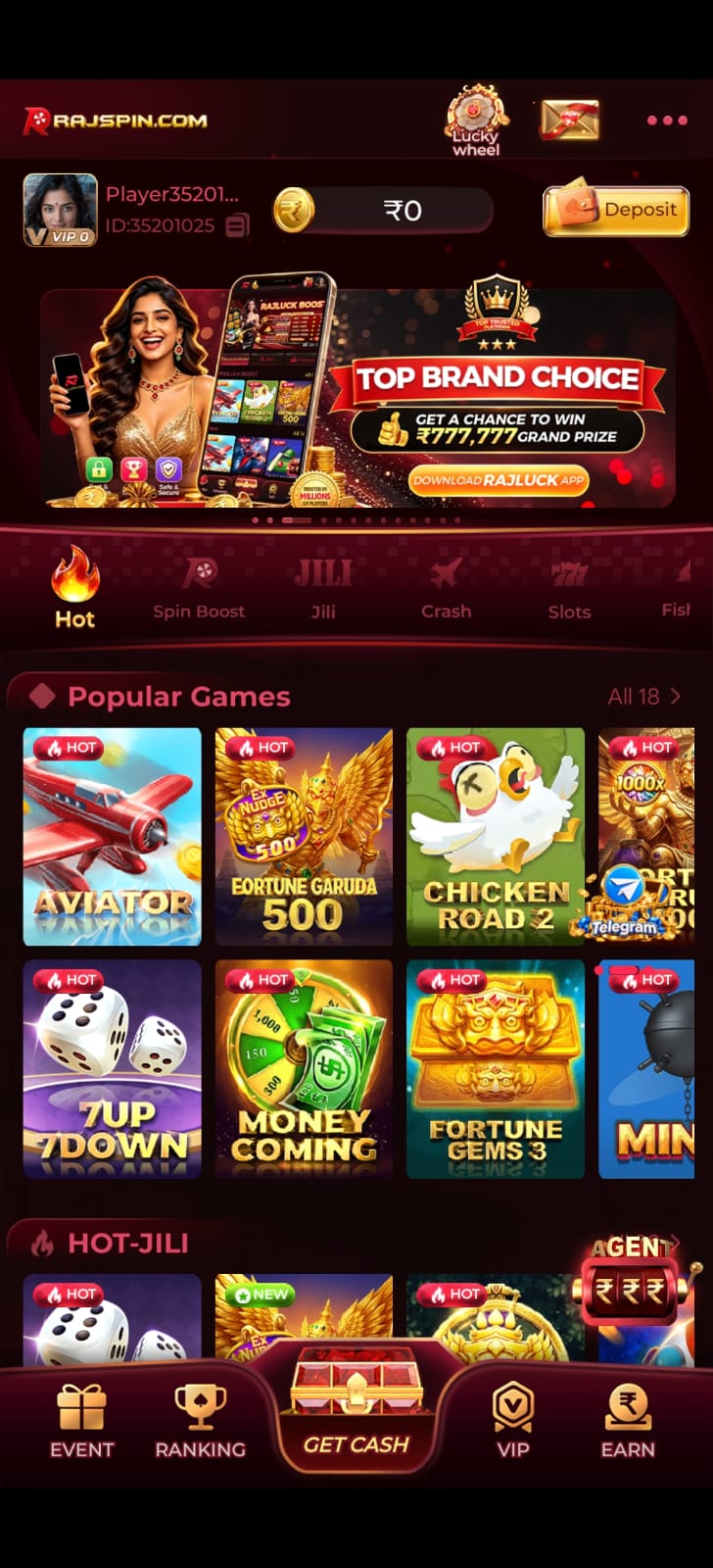
IN101 App
The IN101 App provides a convenient way to access the platform from a mobile device. A dedicated application can make it easier to navigate account-related options and available features without repeatedly opening a browser.
Users looking for the IN101 Game App should first verify that they are using a legitimate and current source. Application availability, supported devices, and installation requirements may vary.
For better security, avoid downloading applications from unknown third-party websites. Check the app details, permissions, and source before installing anything on your device.
IN101 APK
The term IN101 APK generally refers to the Android application package associated with the IN101 platform. Android users may search for an IN101 APK when they want to install the application directly on a compatible device.
Before installing an APK, users should make sure that the file comes from a trustworthy source and matches the intended application. Unknown APK files can create security and privacy risks.
Keep your Android operating system and security software updated, and review requested permissions before completing an installation.
IN101 Download
The IN101 Download process may differ depending on the device and the version of the application available. Android users may have an APK-based installation option, while other users may access the platform through a compatible web interface if available.
A typical download process involves:
- Visit the verified IN101 source.
- Check the latest available application information.
- Select the appropriate download option.
- Download the compatible file.
- Review the file and requested permissions.
- Complete the installation according to your device settings.
- Open the application and follow the account-access instructions.
Always make sure that the downloaded file is compatible with your device.
IN101 Game Download
Searching for IN101 Game Download usually means users want to find the latest available version of the IN101 application. Before downloading, it is important to verify the source and check whether the application is officially supported in your region.
A current version may include interface improvements, bug fixes, compatibility updates, or other changes. Users should avoid modified applications or unofficial versions because their security and functionality cannot be guaranteed.
If the official platform provides a web-based option, users can also consider accessing the service through the supported website instead of installing an APK from an unknown source.
How to Install IN101 APK
If an official Android APK is provided, installation generally follows these steps:
Step 1: Download the APK
Find the current IN101 APK from a trusted and legitimate source. Check the application name and version before downloading.
Step 2: Check Device Compatibility
Make sure your Android device meets the application’s requirements. Insufficient storage or an incompatible Android version can prevent installation.
Step 3: Install the Application
Open the downloaded APK file and follow the installation instructions displayed by your device.
Step 4: Open IN101 App
After installation, launch the IN101 App from your device’s application menu.
Step 5: Access Your Account
Existing users can proceed to the available login section, while new users should follow the platform’s registration requirements if registration is available.
IN101 Login
The IN101 Login section is used by registered users to access their accounts. Login requirements can vary depending on the platform’s current system.
Users should enter their account credentials carefully and avoid sharing passwords, verification codes, or other private account information with anyone.
For account security, use a strong and unique password. If a login problem occurs, look for the platform’s official account-recovery or support option rather than using unofficial services.
IN101 Com
IN101 Com is a search term users may use when looking for the web presence associated with IN101. Because website addresses and domains can change, users should verify the exact official web address before entering account information.
Be careful with websites that imitate the name or branding of an online platform. Check the domain spelling, security connection, and website information before logging in.
Never provide sensitive account information to a website simply because it appears in search results.
Features of IN101 Game App
The IN101 Game App is intended to provide mobile access to the platform in a convenient format. Depending on the current version, users may find features such as:
- Mobile-friendly navigation
- Account login options
- Game or entertainment categories
- Simple interface
- Account-related settings
- Application updates
- Mobile device compatibility
Features can change over time, so users should check the current platform information for the latest details.
Why Users Search for IN101 Game?
The keyword IN101 Game is commonly associated with searches for application information, download instructions, login help, and platform features.
Users may search for:
- IN101 latest app information
- IN101 APK download
- IN101 Game Download
- IN101 Login
- IN101 App installation
- IN101 Game App information
- IN101 Com website details
A complete guide can help users understand these different search terms without having to look through multiple pages.
IN101 App Security Tips
Security should be considered whenever downloading or using an online application. Follow these basic practices:
- Download applications only from trusted sources.
- Avoid modified or unofficial APK files.
- Keep your device updated.
- Use a strong password.
- Do not share login credentials.
- Review application permissions.
- Avoid entering personal information on suspicious websites.
- Log out when using a shared device.
- Use responsible gaming habits.
If you notice unusual account activity, stop using the suspicious service and contact the appropriate official support channel.
IN101 Game on Mobile Devices
Mobile accessibility is one of the reasons users search for an IN101 App or IN101 Game App. A mobile application can provide a convenient interface for users who prefer accessing online platforms from smartphones.
Before installation, check storage availability, operating-system compatibility, and the application’s source. Using an updated device can also help improve general security and compatibility.
Frequently Asked Questions About IN101
What is IN101 Game?
IN101 Game is an online gaming and entertainment platform searched for by users looking for information about its app, APK, download, login, and related features.
What is IN101 APK?
IN101 APK generally refers to the Android application package used to install the IN101 application on a compatible Android device.
How can I download IN101?
Users searching for IN101 Download should first verify the legitimate source and then choose the compatible download option provided by the platform.
What is IN101 Login?
IN101 Login is the account-access section where registered users can enter their required credentials to access their account.
Is IN101 App available on mobile?
The IN101 App may provide mobile access depending on the current version and supported devices. Users should verify compatibility before installation.
What is IN101 Game Download?
IN101 Game Download refers to the process of obtaining the IN101 application or accessing the supported platform through an available download option.
Responsible Use Notice
Users should follow all applicable laws, age requirements, and platform rules before using online gaming services. Gaming should be approached responsibly, and users should avoid spending money they cannot afford to lose. If gaming becomes difficult to control, consider taking a break and seeking appropriate support.
Conclusion
IN101 Game provides a search destination for users interested in learning about the IN101 platform, including the IN101 APK, IN101 App, IN101 Download, IN101 Login, IN101 Com, IN101 Game App, and IN101 Game Download.
Before downloading or logging in, always verify the source, check application compatibility, protect your account credentials, and review the latest terms and availability. Keeping your device updated and using only trusted application sources can also help create a safer online experience.
Whether you are looking for information about IN101, the IN101 Game App, APK installation, or login guidance, this page provides a straightforward overview of the main topics users commonly search for.